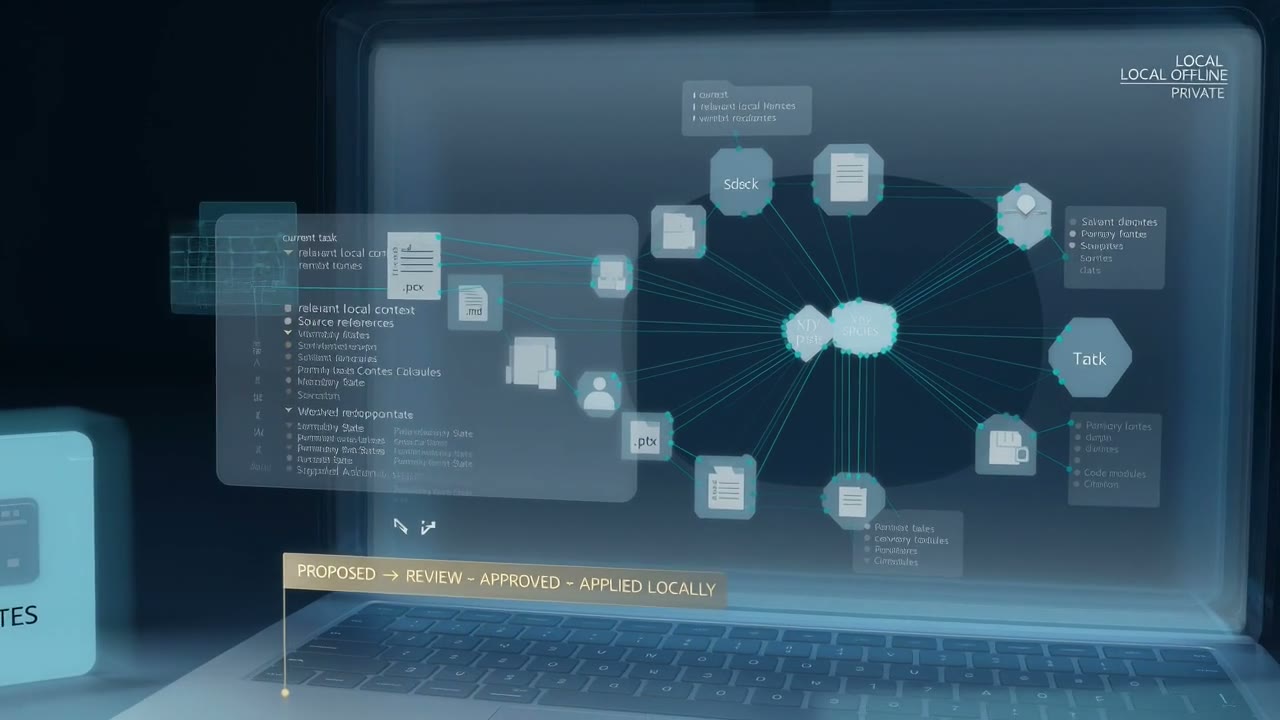
Anchor Desk
The installed coworker for approved local folders, local models, local memory, and approval-gated tools. Sealed Mode is the zero-egress posture.
Public preview · three controlled surfaces
Anchor connects approved knowledge, tools, and decisions into useful working memory. Use it on-device, in a tenant-isolated Swiss workspace, or through Gateway on a website — with a separate knowledge foundation for every scope.
The problem
A model is not a coworker. The foundation, tools, permissions, and deployment boundary make it useful.
Anchor keeps knowledge inside the boundary you choose. Desk can keep the whole working loop on-device. Cloud gives a team a Swiss-hosted workspace. Gateway exposes only the knowledge and approved tools needed for that site — never the whole system.
The product surfaces
The installed coworker for approved local folders, local models, local memory, and approval-gated tools. Sealed Mode is the zero-egress posture.
A tenant-isolated Swiss workspace for stronger models, deeper multi-agent work, scheduled routines, and organization-controlled tools.
Anchor's embedded chat-and-voice surface. It reads the host's scoped foundation and approved brief, without visitor-side filesystem or terminal access.
The surfaces share contracts, evaluations, and governance patterns. They do not share customer knowledge by default. Any cross-scope exchange must be explicit, logged, and revocable.
How it works
A capable model is only one component. Reliable assistance also requires the right knowledge, persistent context, clear permissions, connected sources, and visible approval.
Anchor connects the folders and projects you approve, giving it the context behind your documents instead of treating every request as a new conversation.
Anchor Desk can keep files, conversations, models, and working memory on the computer. A sealed mode is designed for work that must make no network connection.
Decisions, corrections, sources, and project context remain connected across sessions, making Anchor more relevant as the work develops.
You control what Anchor can access and when it may act. Consequential changes remain visible and require your approval.
Who it is for
Anchor is for work whose value depends on context accumulated across documents, decisions, projects, and time — especially when the operating boundary must be chosen deliberately.
Build continuity across papers, notes, citations, and long-running research.
Work with sensitive client material while keeping the underlying knowledge private.
Connect the documents, decisions, and project context spread across a working laptop.
Bring durable project context and controlled assistance to local repositories and technical work.
Use AI where confidentiality, residency requirements, or internal policy prevents the use of cloud assistants.
Why Djeed
Djeed turns fragmented information into connected, traceable knowledge. Anchor brings that discipline to an AI coworker: scoped memory, source provenance, explicit permissions, controlled action, and isolation between apps and customers.
Explore the Djeed intelligence foundation →Public preview
Join the preview for Desk or Cloud, or try Gateway now to see the embedded surface working from a scoped knowledge foundation.
Join the Anchor previewTry the live Gateway